> ## Documentation Index
> Fetch the complete documentation index at: https://docs.dcdeploy.com/llms.txt
> Use this file to discover all available pages before exploring further.
# Deploy a Database
> Provision and deploy a managed database in your DCDeploy environment.
Go to the **Deploy** tab of the environment in your DCDeploy dashboard.\
Here you can deploy both services and databases.
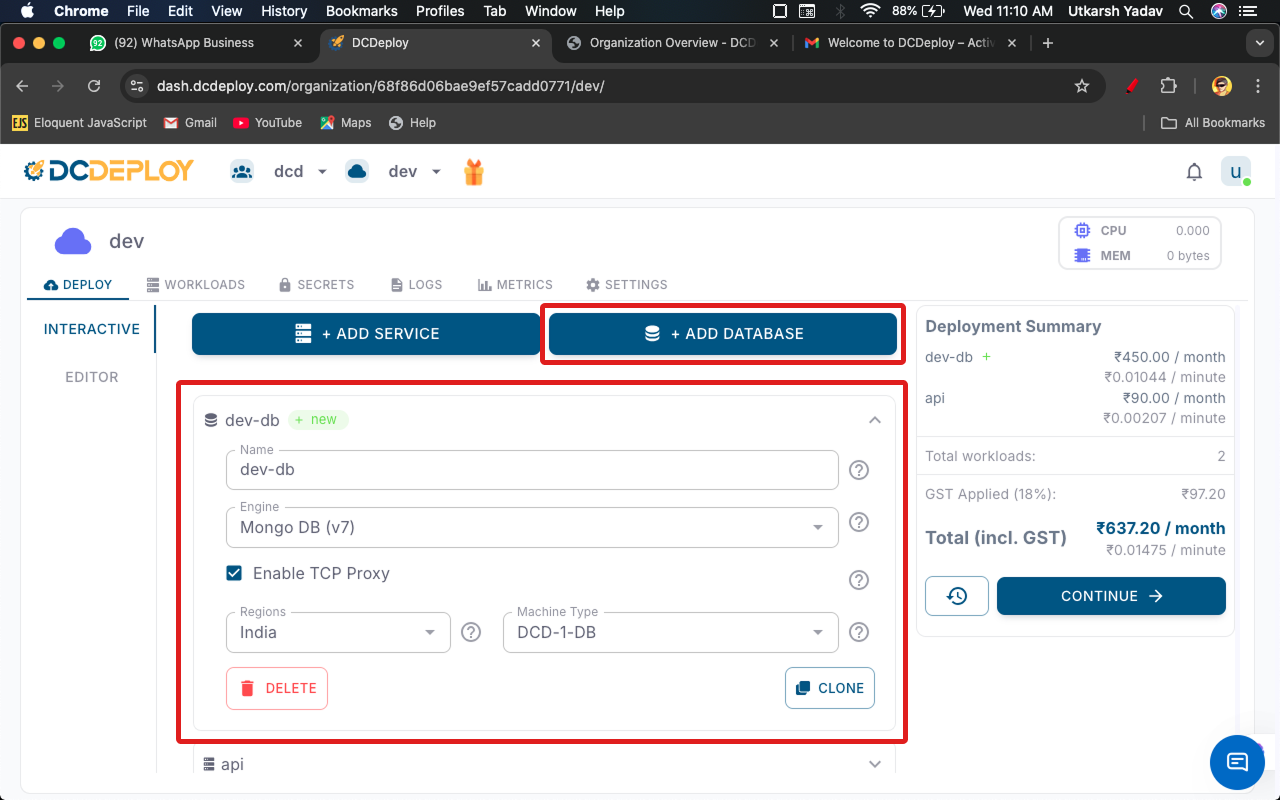
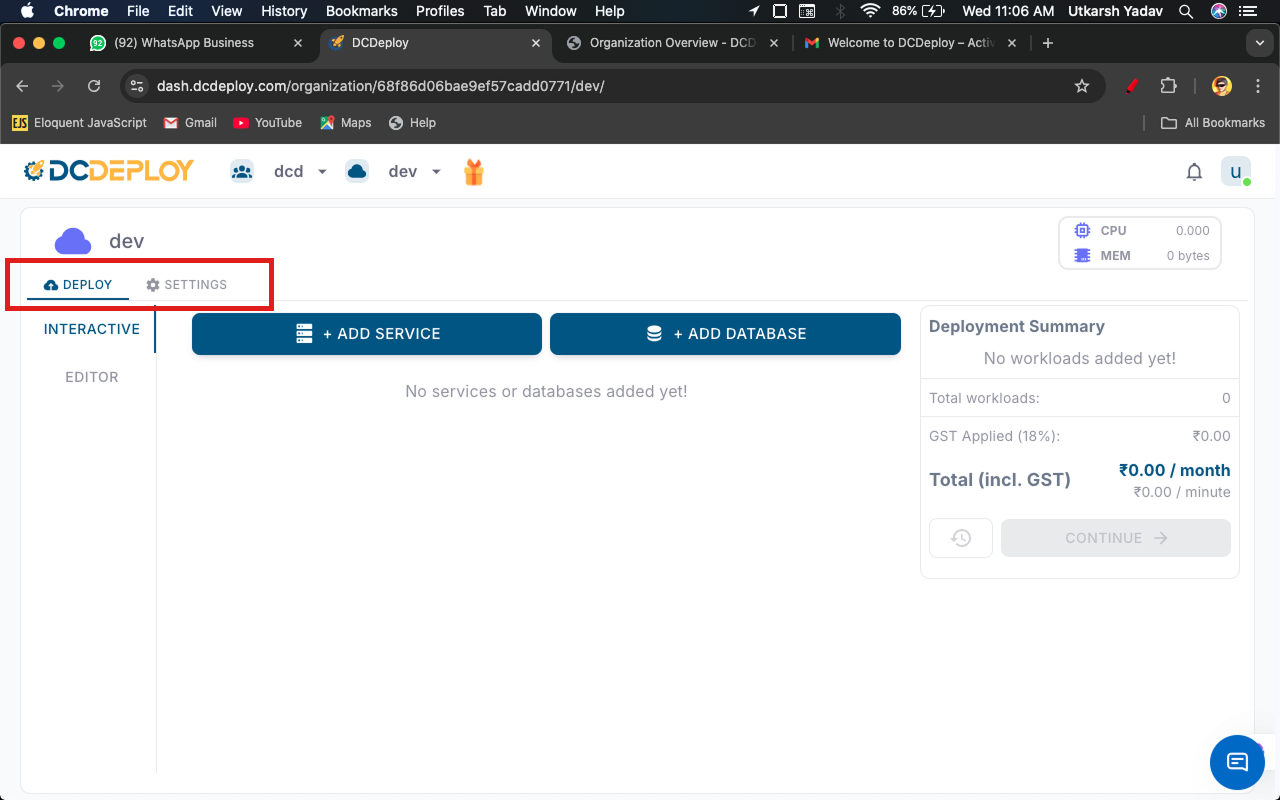 Click on **Add Database**. A new form will appear where you can configure your database.
Provide the following details:
* **Database Name**: Enter a unique name for your database instance.
* **Engine**: Select the database engine and version. Supported engines:
* MongoDB (v4, v5, v6, v7)
* MariaDB
* PostgreSQL
* MySQL
* **Region**: Choose the DCDeploy region where your database should be deployed.
* **Machine Type**: Select a machine type that fits your resource needs (CPU, RAM, Disk).
Click on **Add Database**. A new form will appear where you can configure your database.
Provide the following details:
* **Database Name**: Enter a unique name for your database instance.
* **Engine**: Select the database engine and version. Supported engines:
* MongoDB (v4, v5, v6, v7)
* MariaDB
* PostgreSQL
* MySQL
* **Region**: Choose the DCDeploy region where your database should be deployed.
* **Machine Type**: Select a machine type that fits your resource needs (CPU, RAM, Disk).
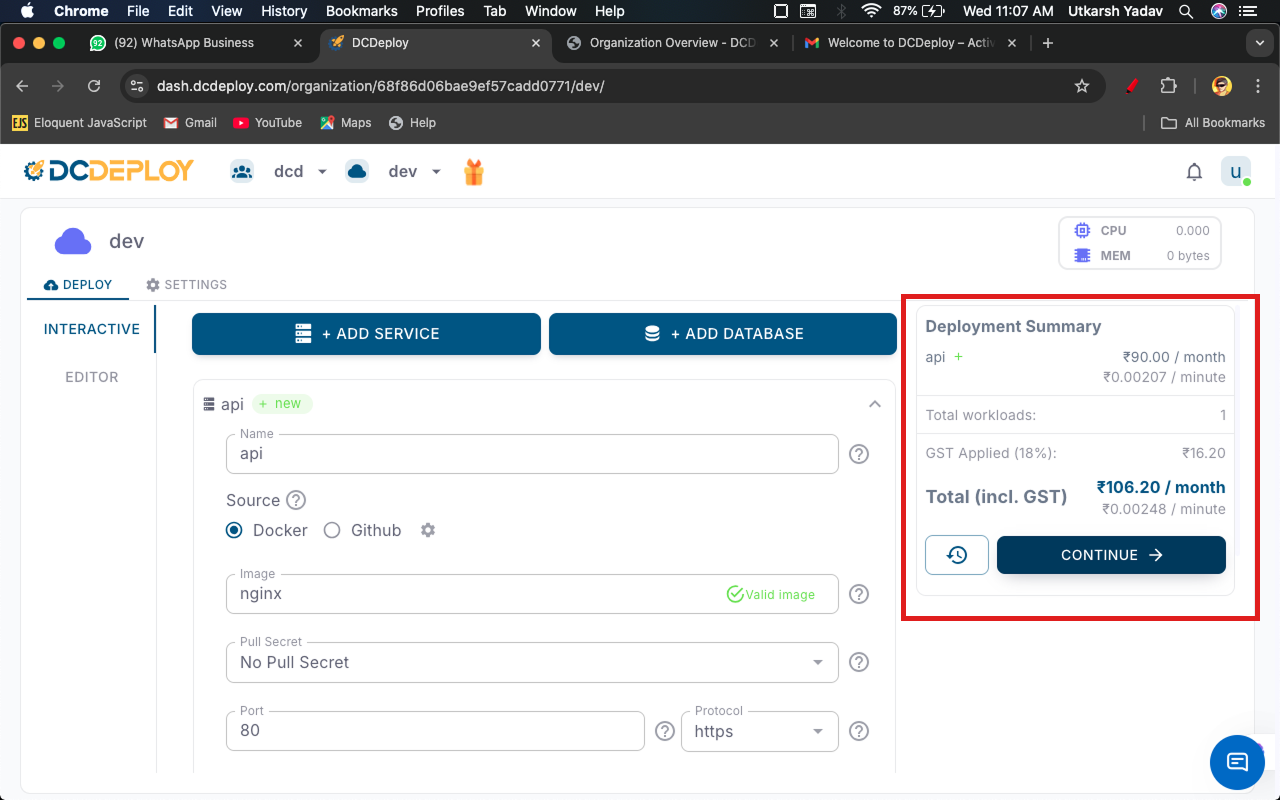
 Click **Continue > Deploy** to start provisioning your database.
 * Deployment may take a few minutes depending on the engine and machine type selected.
* Once deployed, connection details (hostname, port, username, password) will be available in the dashboard.
* Deployment may take a few minutes depending on the engine and machine type selected.
* Once deployed, connection details (hostname, port, username, password) will be available in the dashboard.